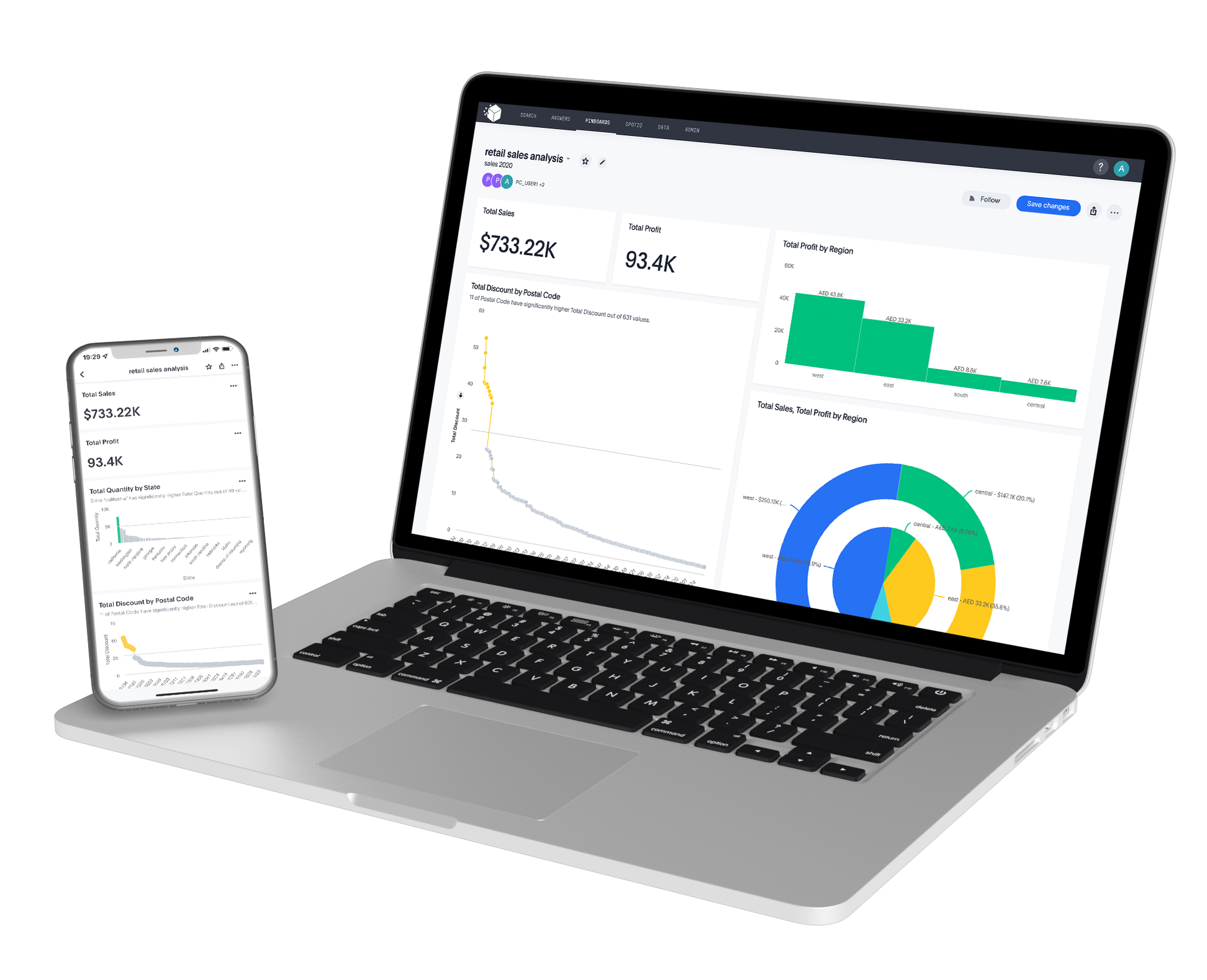
Connecting your data to PurpleCube and transforming it into actionable analytics can be done in a few easy steps.
Watch this quick video to learn more.
How PurpleCube Works

01. Setup Wizard
Using our intuitive setup wizard, you can select your relevant industry, and desired use case that you will be analyzing.


02. Select a Dashboard and Use Case
Select a Dashboard template within the use case based on your analytical needs, ranging from performance analytics which comes with pre-modeled B.I. dashboards or A.I. algorithms for predictive analysis.
Based on your selection, PurpleCube will recommend the most relevant data sources that you can connect to with the help of our comprehensive set of pre-built connectors.
03. Data Cleansing and Preparation
The next step is running your data through our data preparation wizard which allows you to define data quality, data cleansing and data transformation rules – and PurpleCube will prepare your data for actionable analytics.


04. Data Provision into AI-enabled Models
Based on your use case and required data schemas and attributes – prepared data will be staged to provision into A.I. enabled models.
05. Create Actionable Analytics
Now that PurpleCube has successfully prepared and provisioned your data, you can derive actionable analytics in many ways:
- One way is to do a Google-like search on the data you have provisioned, or
- build your own B.I. Dashboards, or
- choose from one of PurpleCube’s pre-modeled B.I. and A.I. dashboards.